
Getting Started with Emopi: From First Note to Sharing How You Are
The official guide to your first days with Emopi: creating an account, jotting journal notes, connecting with a connection code, and how a sense of how you are doing quietly reaches the person you care about.
Emopi Editorial Team
Emopi is a Relationship Care app where AI connects your record of feelings with the people you care about. This official guide walks from setup to the moment how you are doing starts reaching them.
The whole flow is four steps: ① create an account → ② jot journal notes → ③ connect → ④ share your mood and energy.
Step 1: Create an account
Open the app and tap “Get started.” You can continue with Apple, Google, or an email address. With email, choose a password, then confirm your address with the code we send. You will also set the nickname used inside the app.
Next, review what data is sent to the AI and agree to its use before starting your journal. AI replies, summaries, and mood and energy estimates are generated within your usage allowance.
Step 2: Jot journal notes
In Emopi, you can jot a few words whenever something comes to mind, from “How are you feeling?” on Home or from the Journal tab.
“Took a walk at lunch.” “Meetings all day, bit tired.” One line is plenty. The AI replies to each note.
The AI gathers your notes into today’s entry and updates it as you write, adding suggested mood labels, energy (0–100%), and topic tags. Mood and energy are estimates based on your words, not a diagnosis or a physical measurement. You can adjust them to match how you feel.
Images marked “Actual app UI” use fictional test data; AI replies and summaries are examples. Other figures are illustrative recreations. Screens may vary by version.
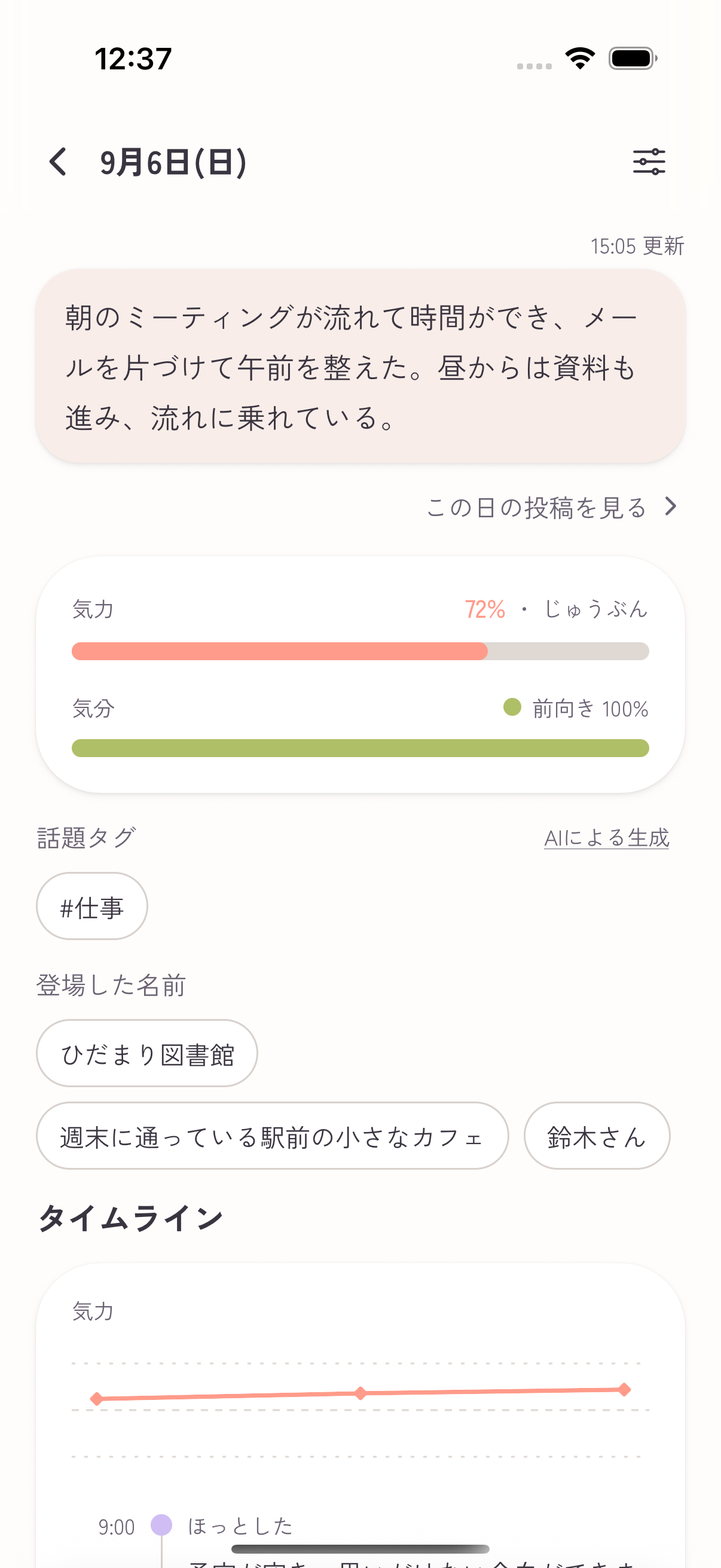
Try writing solo for two or three days first — Emopi works on your own, and the record accumulates before anyone connects.
Step 3: Connect
When there is someone you want to share with, invite them with a connection code.
- Create a code and send it over your usual channel (a messaging app is fine).
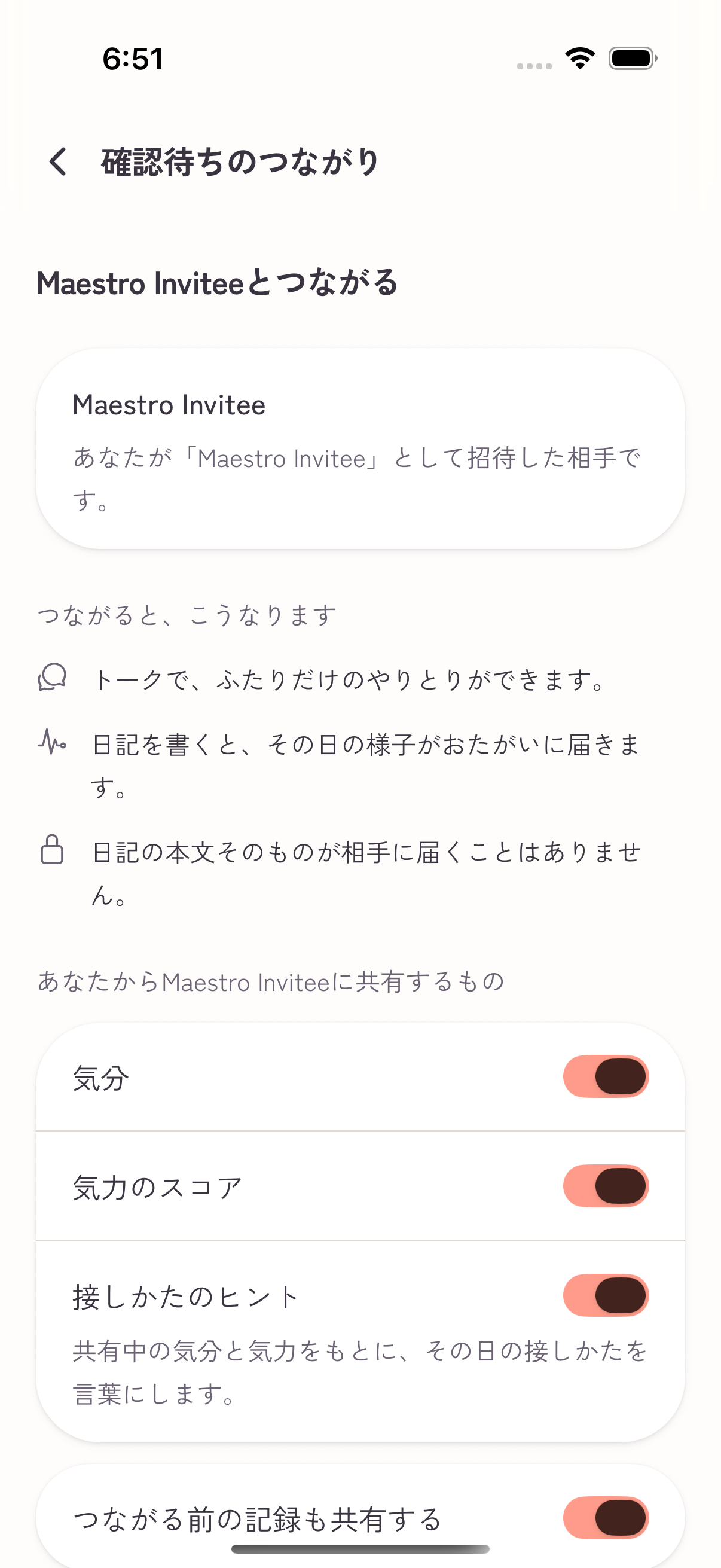
- When they enter the code, you receive an approval request — codes alone never create a connection.
- On the approval screen, you confirm which items will be shared before the connection is made.
The approval step lets you review a request before connecting. What exactly is shared is covered in our sharing guide.
Step 4: Share your mood and energy
Once your connection is active, Home shows the mood and energy they have chosen to share. These come from their journal or their own adjustments. Their journal text is not shared, and the AI does not invent an update for a day without a record.
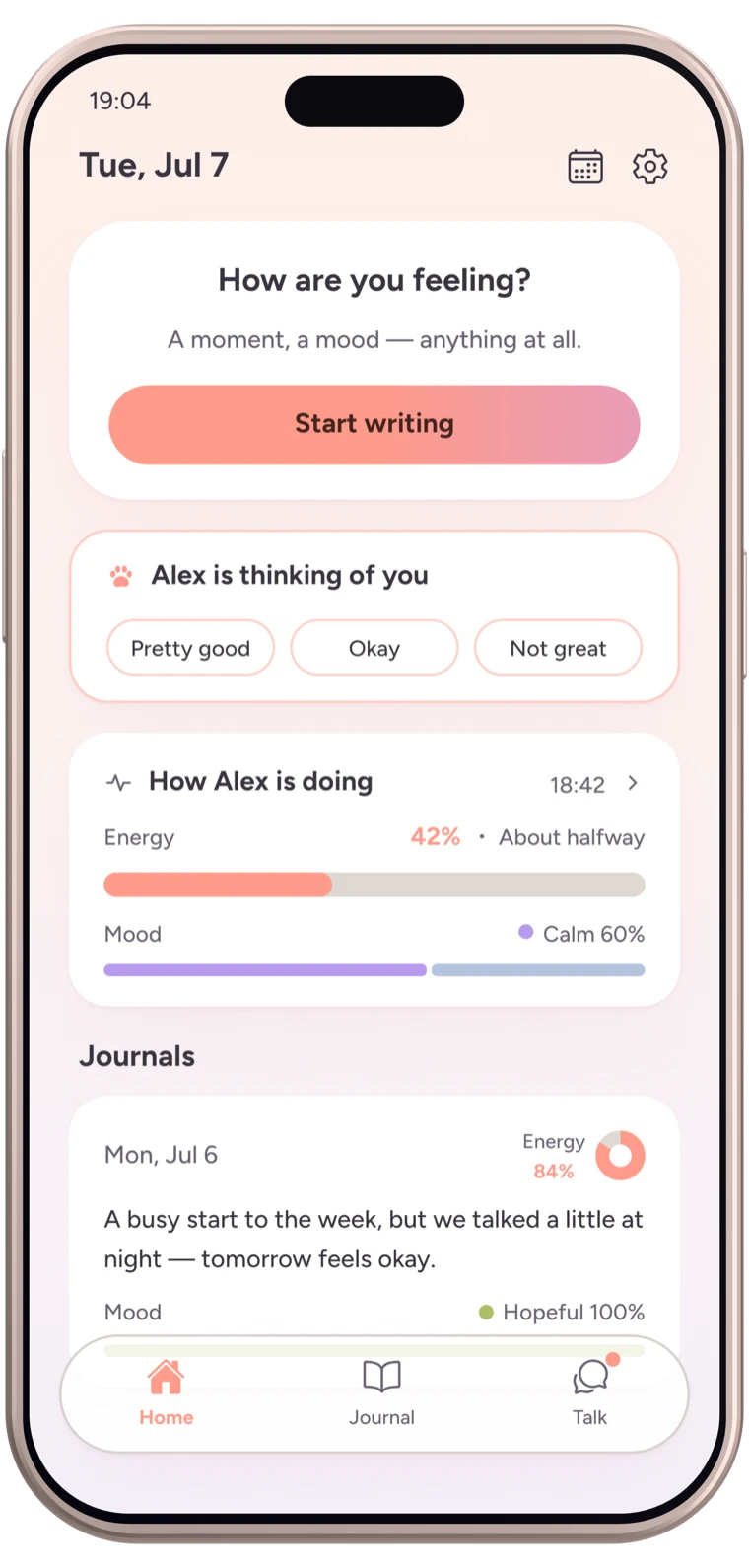
When there are words to exchange, the Talk tab is there. Talk is organized day by day — suited to short exchanges that begin from already knowing how the other is doing.
For a busy-couple example, see Emopi for busy partners.
Common questions
- What if I can’t write every day? — That is fine. Days you wrote stay written; days you didn’t stay quiet. One line can start a record; an update is shared when sharing is enabled.
- Does my partner need Emopi too? — Sharing needs an account on both sides. Starting solo and inviting later works perfectly well.
- How far does free go? — Connecting and sharing how you are doing is free. Details in the pricing guide.
Wrapping up
- Four steps: create an account → notes become a journal → invite and approve with a connection code → share your mood and energy.
- Journal text stays yours; what reaches them is the status you chose to share.
- Start solo, let the record accumulate, then invite. For the solo sister app, see Emopi vs. Emopi Diary.
Related articles


Emopi
Share how you feel with the people you care about
Jot down a few words, and Emopi gathers them into a journal. Connect with someone you care about to share how you’re doing. Coming soon to iOS / Android.